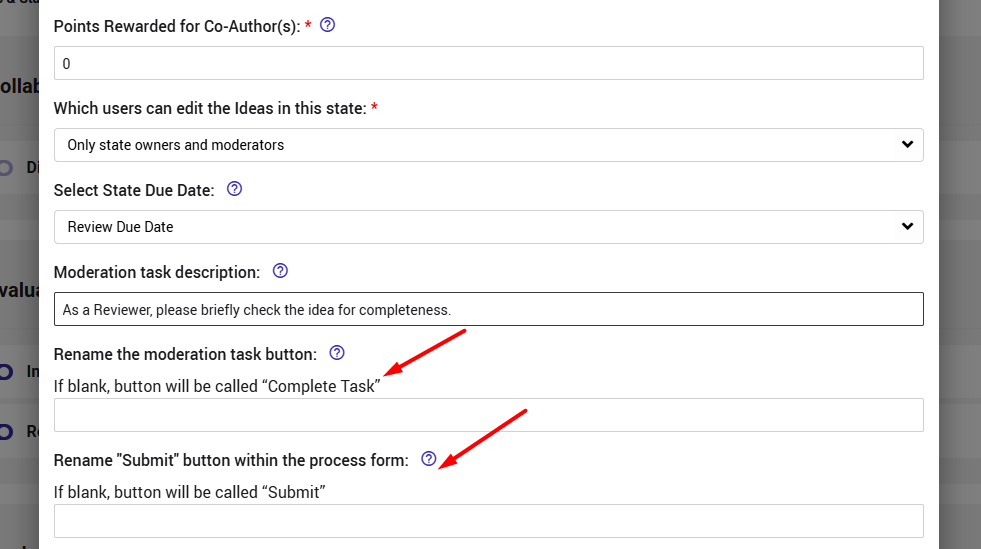
The “Complete Task” button displayed in the task banner and the “Submit” button in the Process pop-up can be customized per state to better reflect the required action. The terminology can be configured in the Workflow settings under the relevant state.
This applies to:
- The “Complete Task” button displayed in the task banner on the entity page.

- The “Submit” button displayed in the Process pop-up window when transitioning the entity to another state.
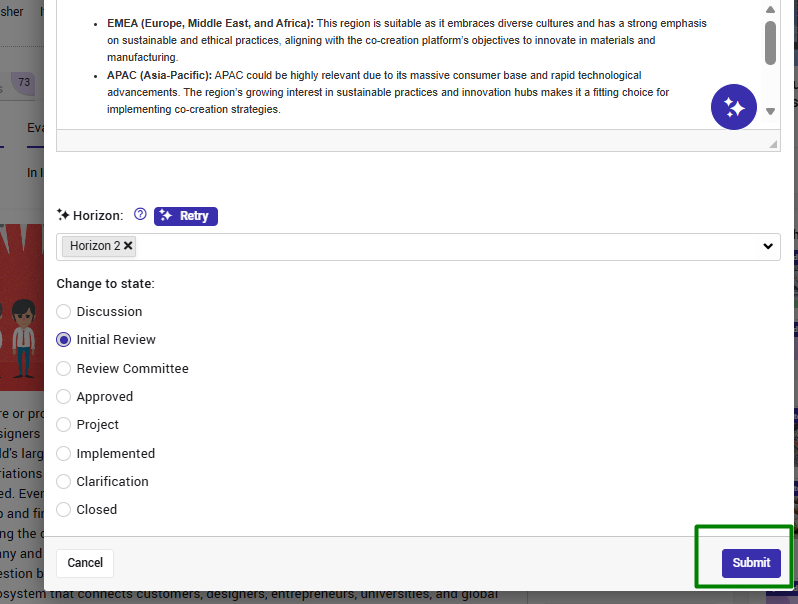
The terminology can be configured in the Workflow settings under the relevant state.