In robust systems, there is usually a need to create reports in which the KPIs are grouped by profile fields of additional roles and/or by dates that are not necessarily the entity creation dates.
You can create addition grouping options directing from the Reports Setting option on the setting page (/self-admin):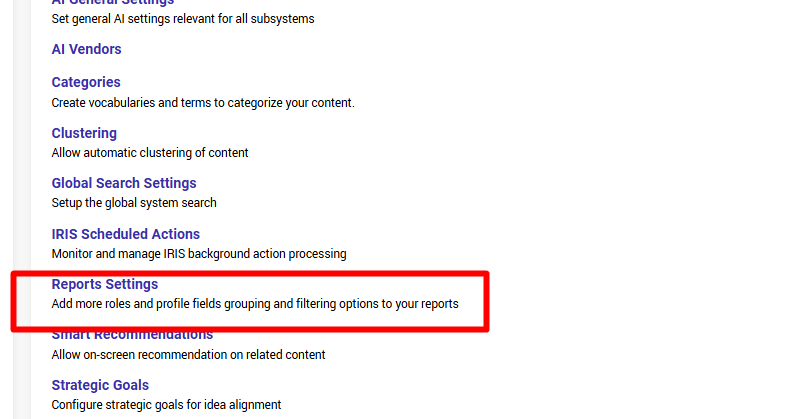
OR clicking this link which is available in all your reports wizards: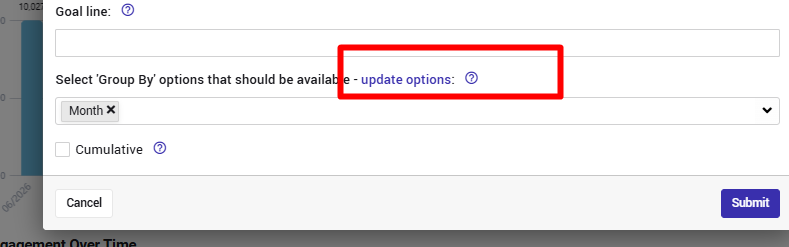
Once you get there, you will see 3 setting options:
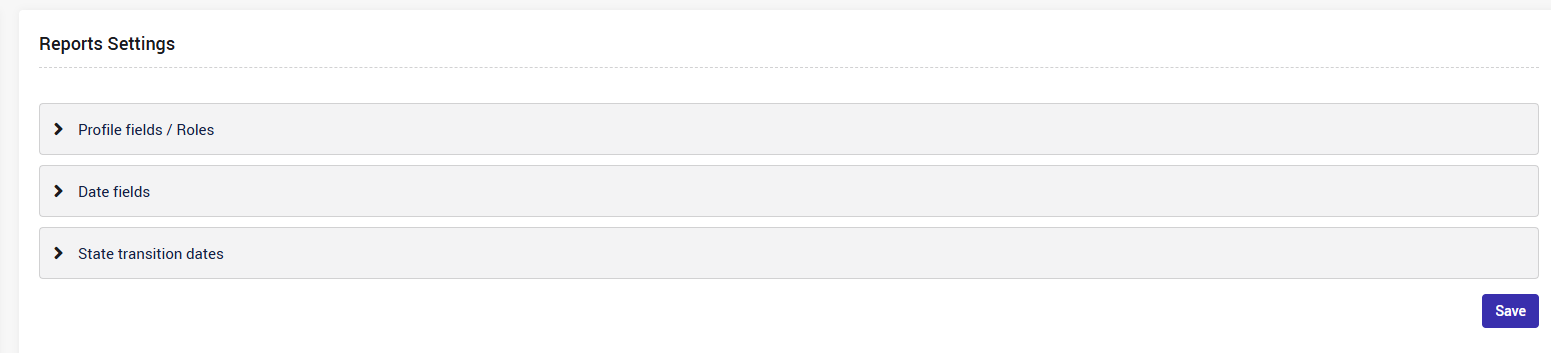
- The Profile fields/roles option enables grouping the KPIs by any combination of profile fields and roles.
For example:- Group "#idea adoptions" based on the business unit of the innovation manager
- Group the "Expected revenue" by the country of the project manager
- The Date fields option enables grouping by the time (year/month/quarter/week/day) of any of the date fields.
For example:- Group "#ideas" based on their Implementation date
- Group the Expected revenue" by the Realization date
- The State Transition Dates option enables grouping by the time (year/month/quarter/week/day) of transition time stamp to any of the ideas.
For example:- Group "#tasks completed" per task owner + based on the date in which they moved to state "completed"
- Group the "Actual revenue" by the project moved to state "Implemented"
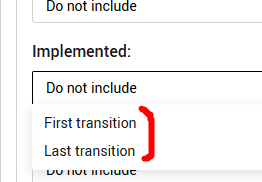
Note that in this case you can select, per state, whether to refer to teh first transition to the state OR to the last transition to the state: