
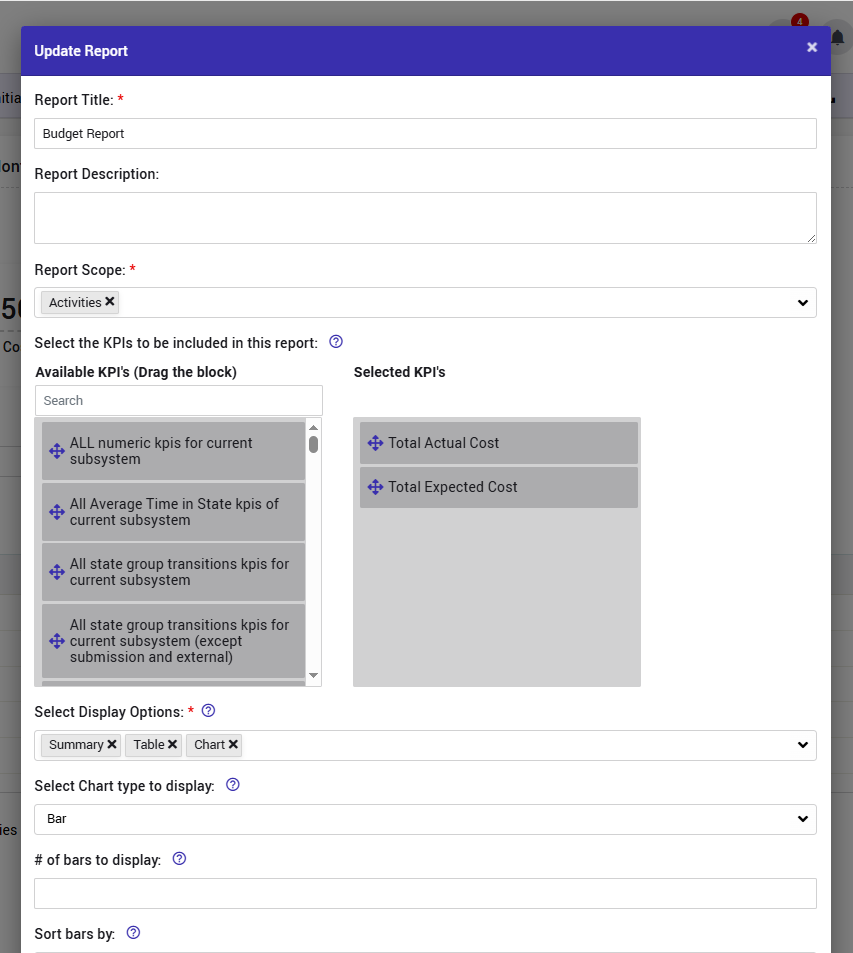
In the Reports page, users can now edit reports directly without navigating away. This streamlined workflow allows you to view and edit a report in the same location.
How It Works
When viewing a report on the Reports page, an edit icon is displayed that allows you to make changes directly.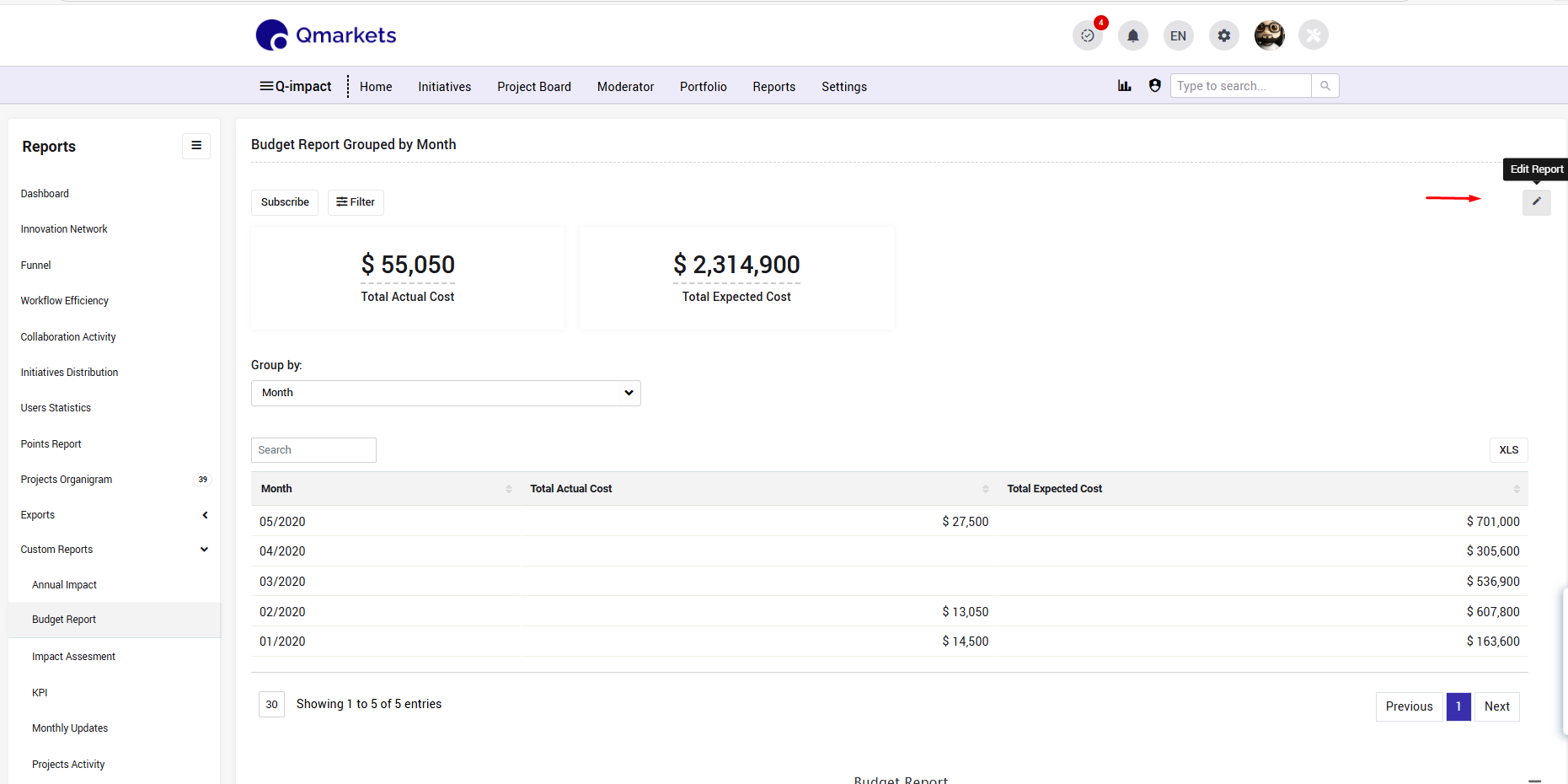
Permissions
The edit icon is visible only to users with permission to access the subsystem settings:
- System Administrators (Sysadmins)
- Subsystem Administrators
Scope
This feature is relevant only for subsystem-level reports. Reports at other levels do not display this editing option.