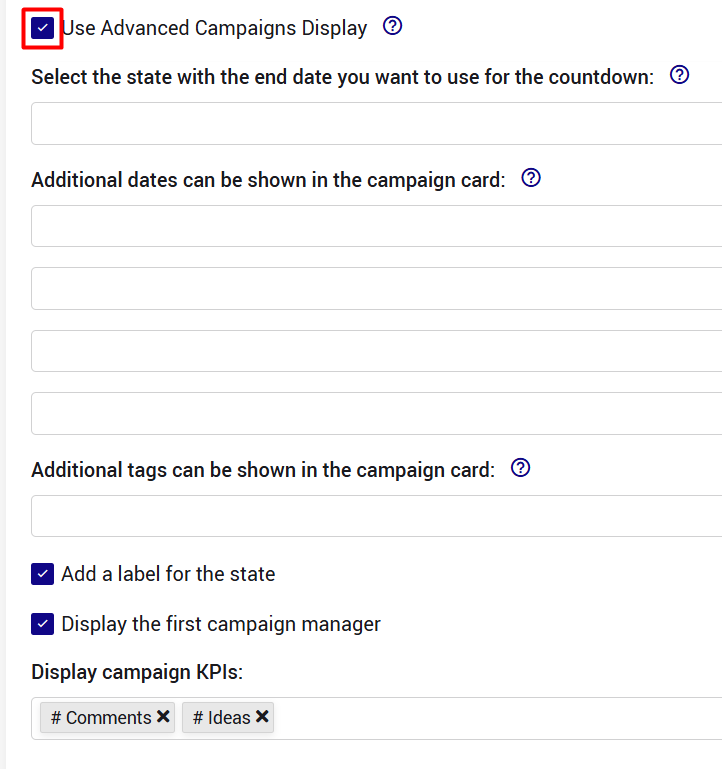
The Display Settings allow you to tailor the information and available actions disaplayed on the homepage and other pages, to your organization's needs, ensuring users see the most relevant details and options.
For the ideas strip:
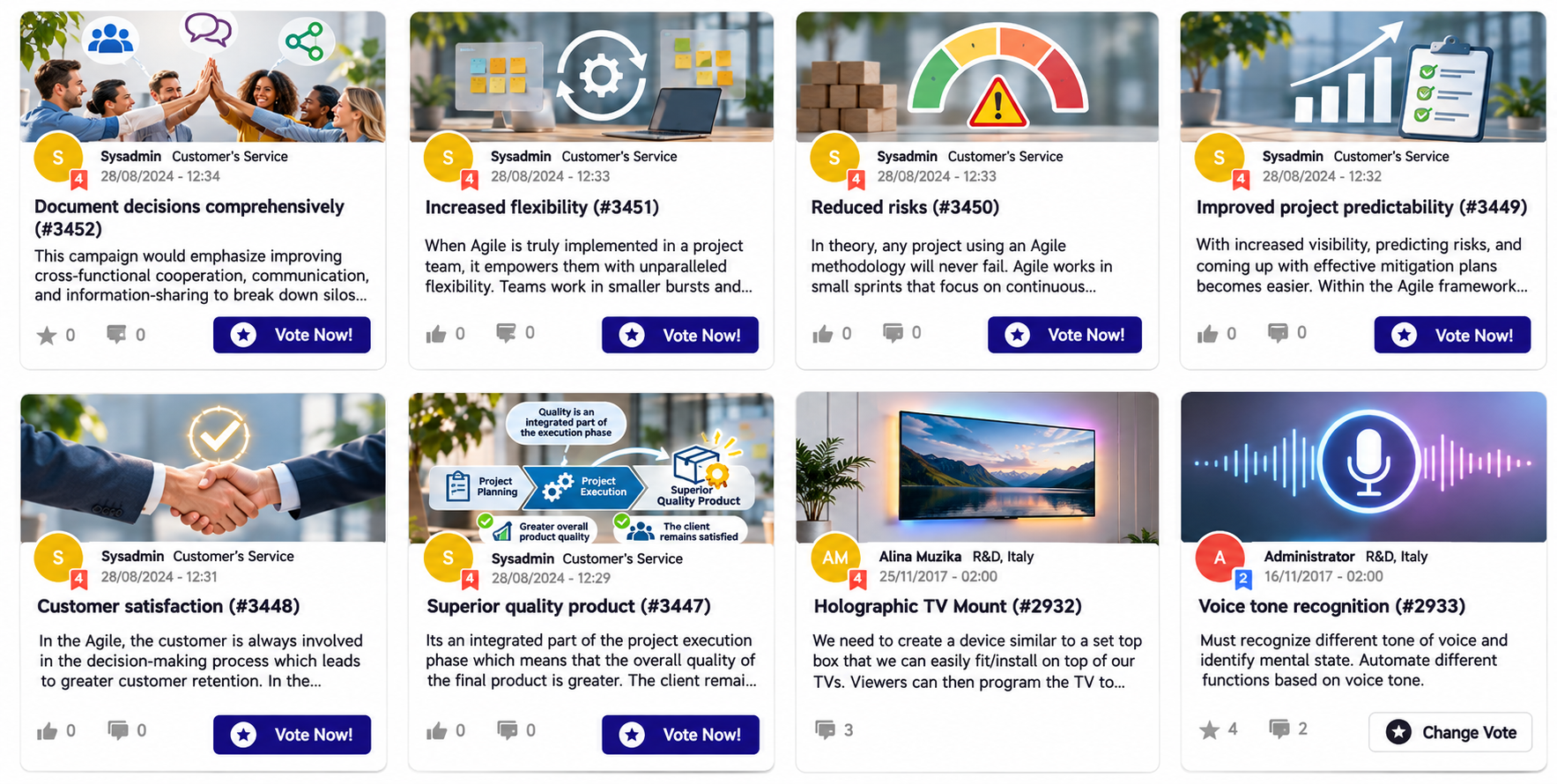
You can configure the display to show or hide specific information, including:
Voting Summary – Displays the voting summary for each submission.
Comment Count – Shows the number of comments on a submission.
Author – Displays the name of the submission's author.
Submission Date – Shows the date the submission was created.
Additionally, you can configure the visibility of Call-to-Action buttons, such as:
Join the Team – Allows users to join a submission's team.
Adopt – Allows users to adopt a submission.
How to Configure Display Settings
Navigate to Subsystem Settings → Display Setting.
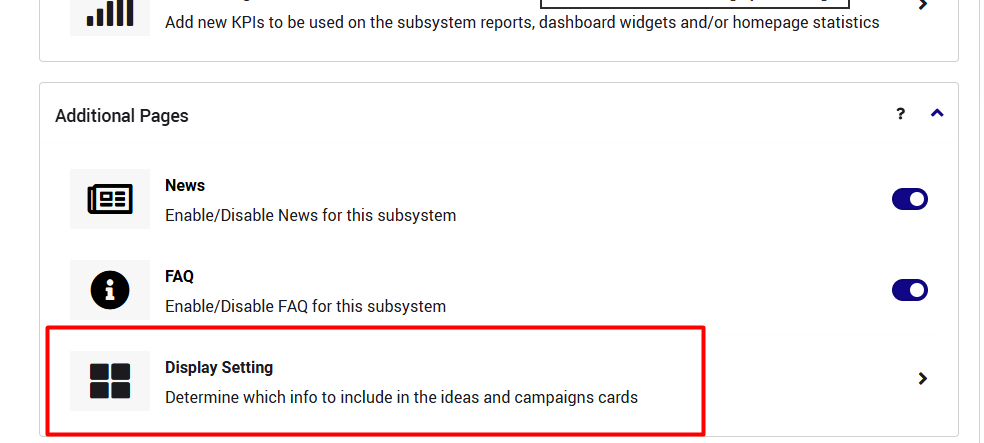
Locate the relevant display configuration options.
Select which information and CTA buttons you want to display.
Save your changes.
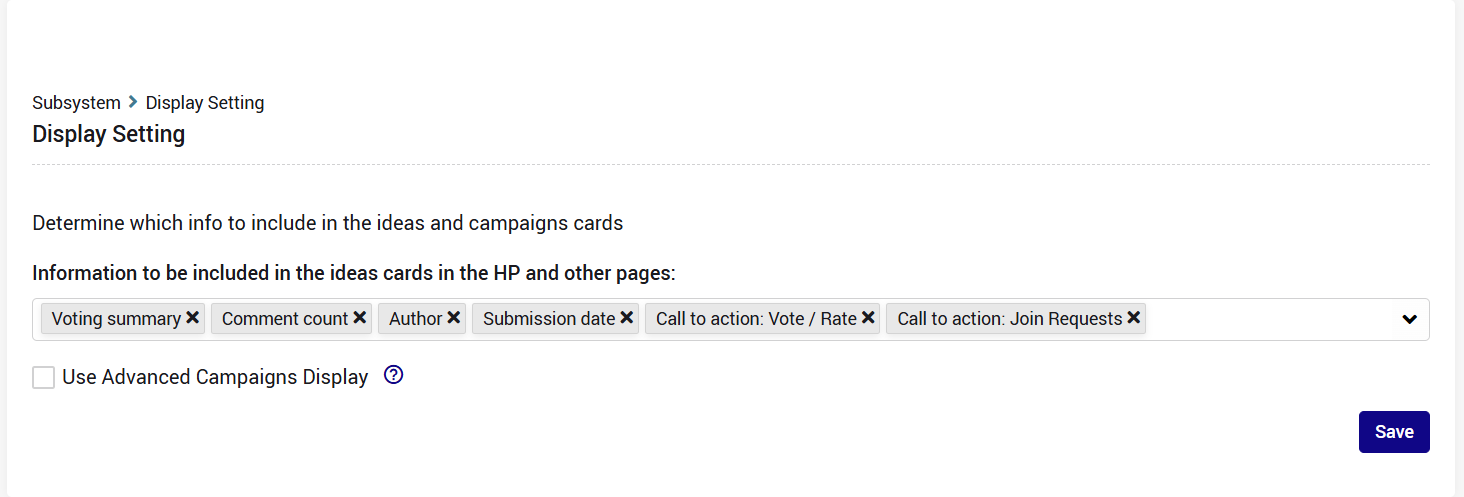
For the campaigns strip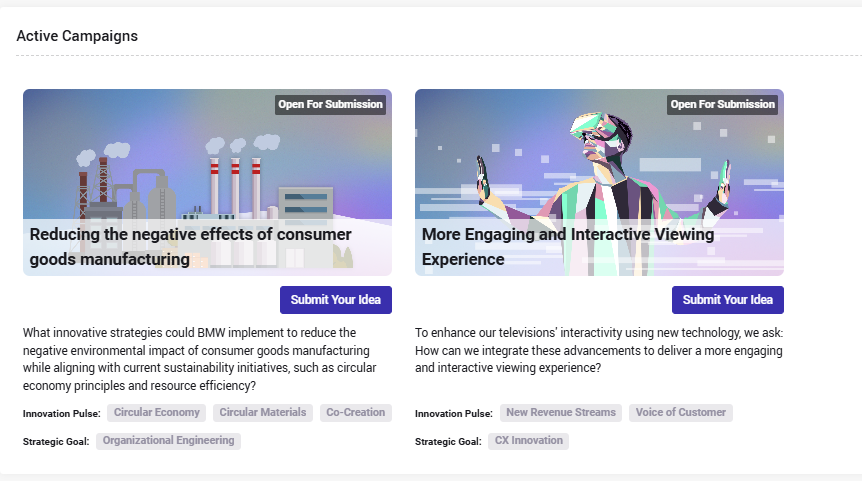
Te setting options can be enabled or disabled individually, allowing organizations to customize the campaign cards according to their communication needs.
Note: By enabling the Use Advanced Campaigns Display checkbox, you can also customize the display settings of campaigns on the Homepage, including countdown timers, important dates, and tags.