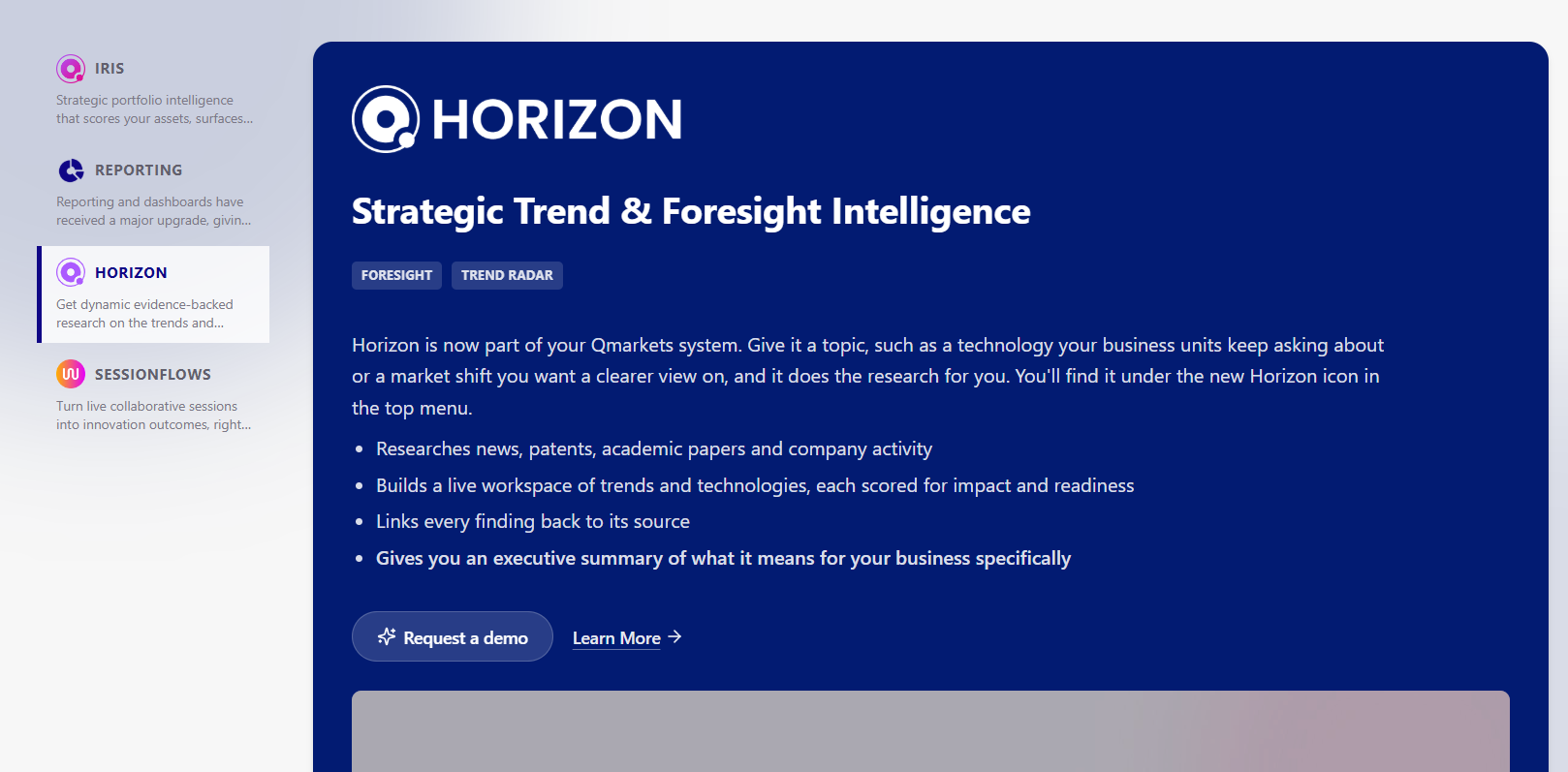
The Qmarkets Portfolio Gallery allows SysAdmins to discover additional Qmarkets features directly from within the platform.
Accessing the Portfolio Gallery
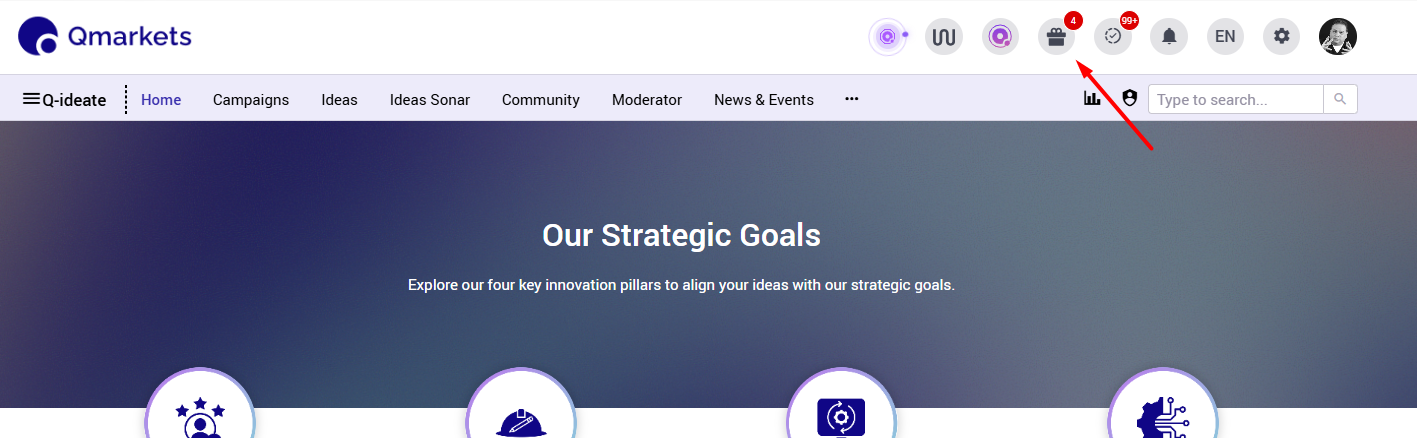
System Administrators can access the Portfolio Gallery through the "gift" icon.
The number each users sees next to it reflects the # of items he/she hasn't reviewed yet.
Exploring Features
For each feature in the gallery, System Administrators have two options:
Request a Demo – Click this button to express your interest in the feature and request a demonstration.
When clicking Request a Demo, an email notification is automatically sent to the Qmarkets Team.
The request is then forwarded to the relevant CSM, who will follow up with you regarding the next steps.Learn More – Click this button to explore the feature in greater detail and learn more about its capabilities.