
There are multiple methods to assign users automatically for roles. See more details here.
The 2 options: By Campaign Category, and By Category Selection (but doing the assignment on the campaign level) can be confusing as in both of them assigning the user is done on the campaign level:
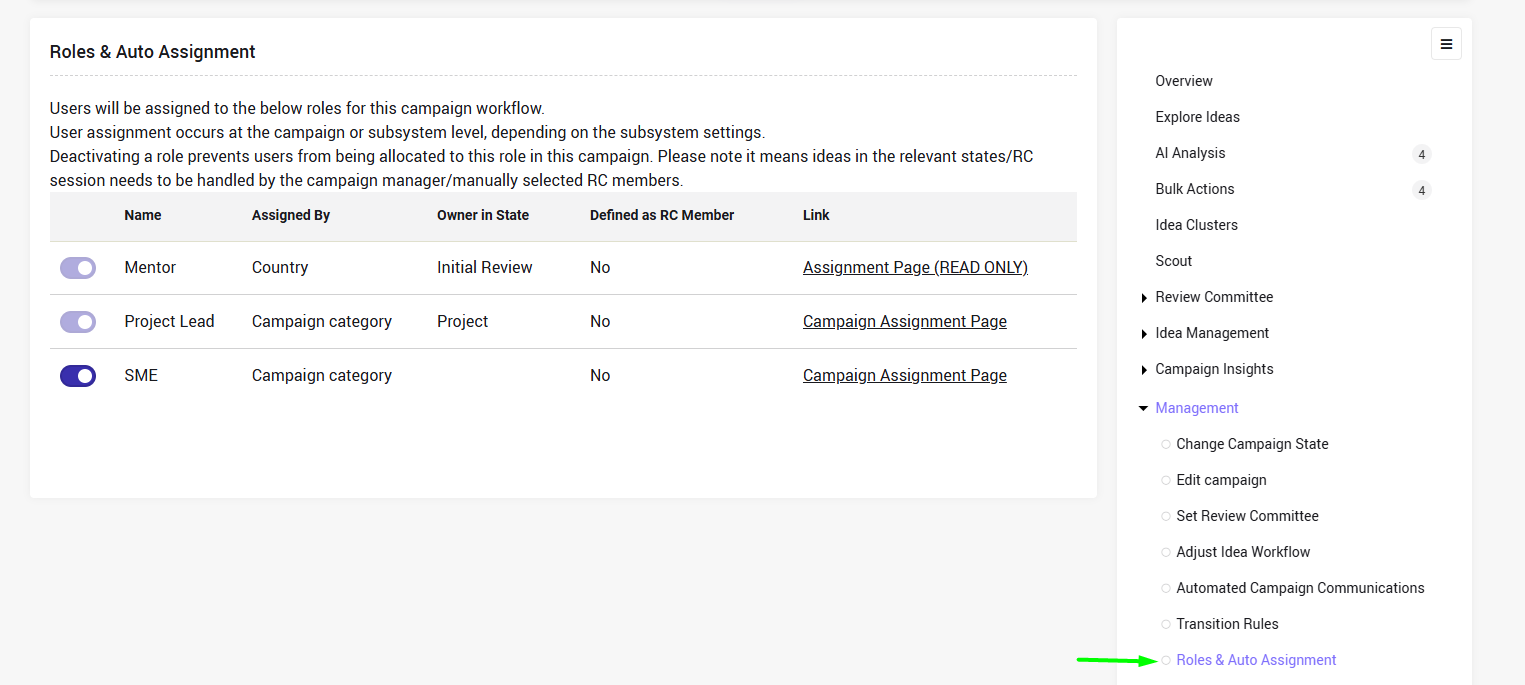
This article summarizes the differentes between the 2 methods.
The selection of the assignment method:
The user only selects the method.:
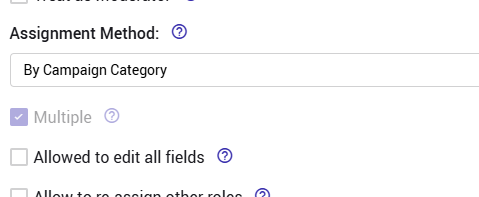
(Reason is that the categories themselves are define on the campaign level)
vs.
The user only selects the method + define that the users will be assigned on the campaign level + select the category (out of all the subsystem select fields)
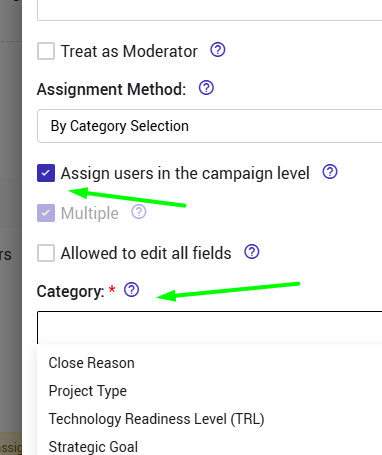
Reminder:
When the check box is not checked, the same assignment applies to all campaigns in the subsystem and is managed at the subsystem level as explained here
The user assignment
Assigning users to roles by campaign category can be done from the campaign management menu OR from the campaign wizard as explained here
Assigning users to roles by subsystem category (but when the assignment is on the campaign level) can be done only from the campaign management menu.
Behavior
By Campaign Category vs. By Category Selection
When assigning users to roles by campaign category, if no campaign categories are defined, role assignment cannot be configured. The assignment page will be empty and the below message will be displayed.
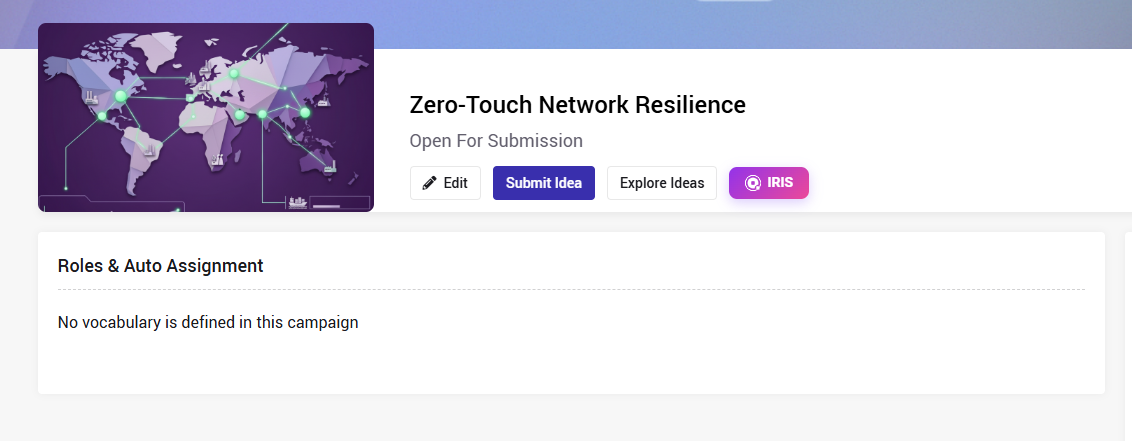
The assignment will NOT happen if:
- The idea has no value is the campaign category/subsystem category
- The Role is disabled in a specific campaign