
At Qmarkets, we continuously strive to provide the best possible performance and user experience. However, page loading times can be influenced by several factors, some of which are outside of Qmarkets’ control.
Before opening a support ticket, we recommend checking your browser’s developer tools (Chrome / Edge / Firefox: press F12) and reviewing the following:
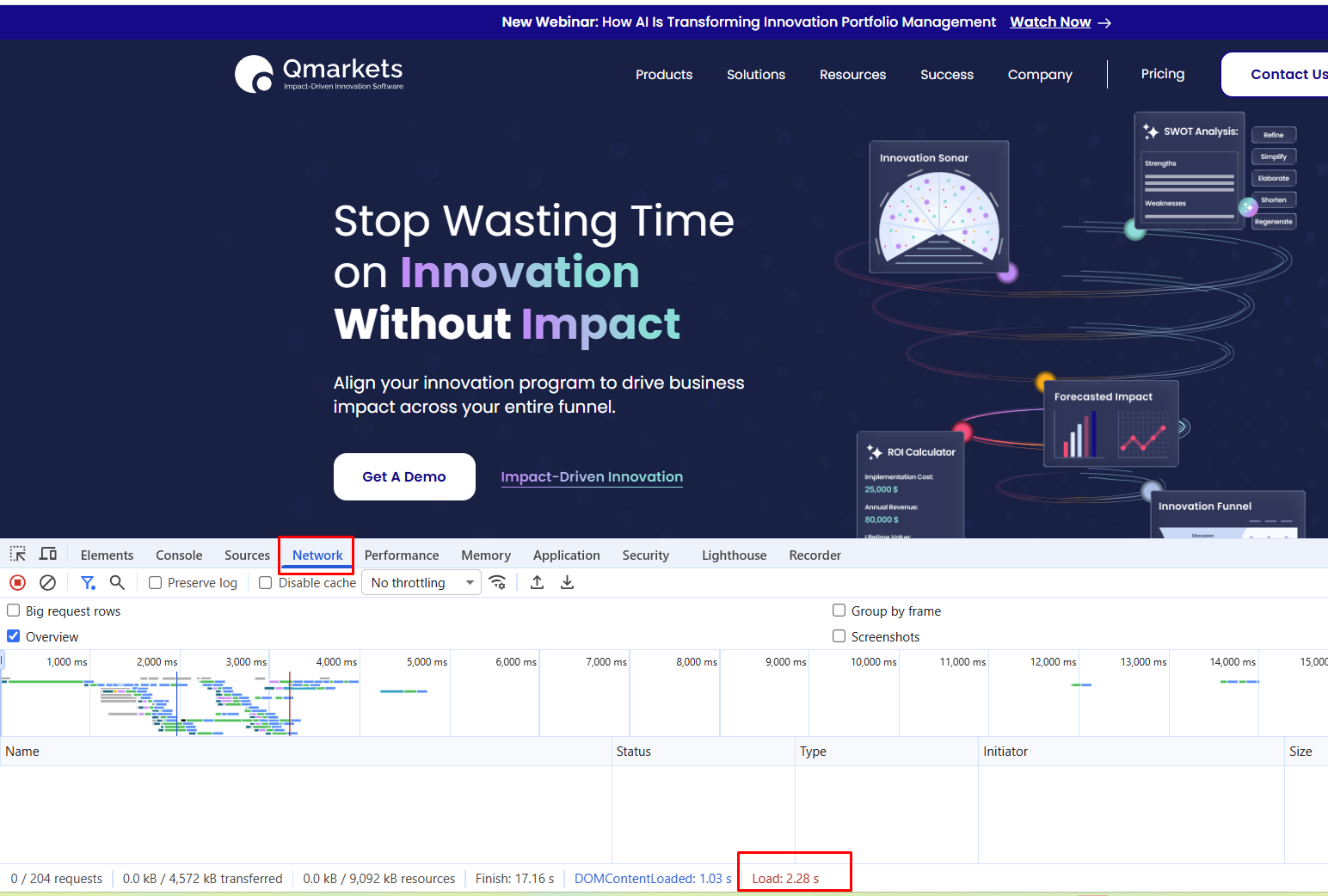
- Network – Identify slow or failed requests and overall page load time.
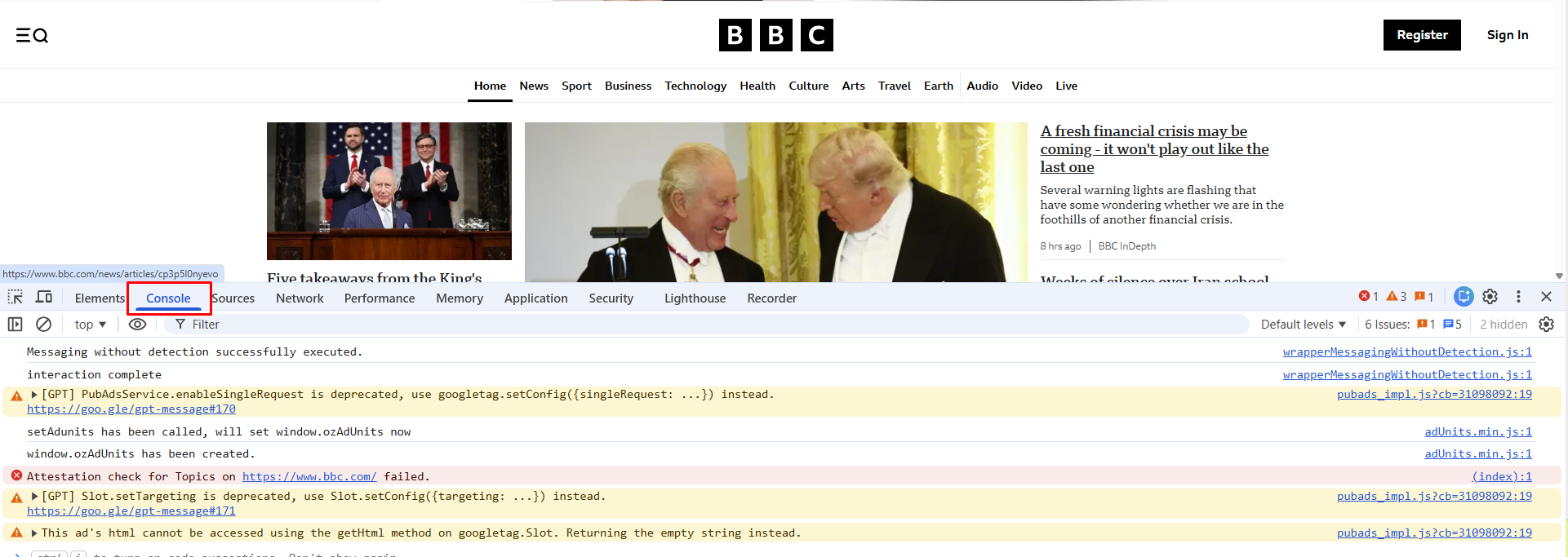
- Console – Look for errors or warnings that may affect performance.
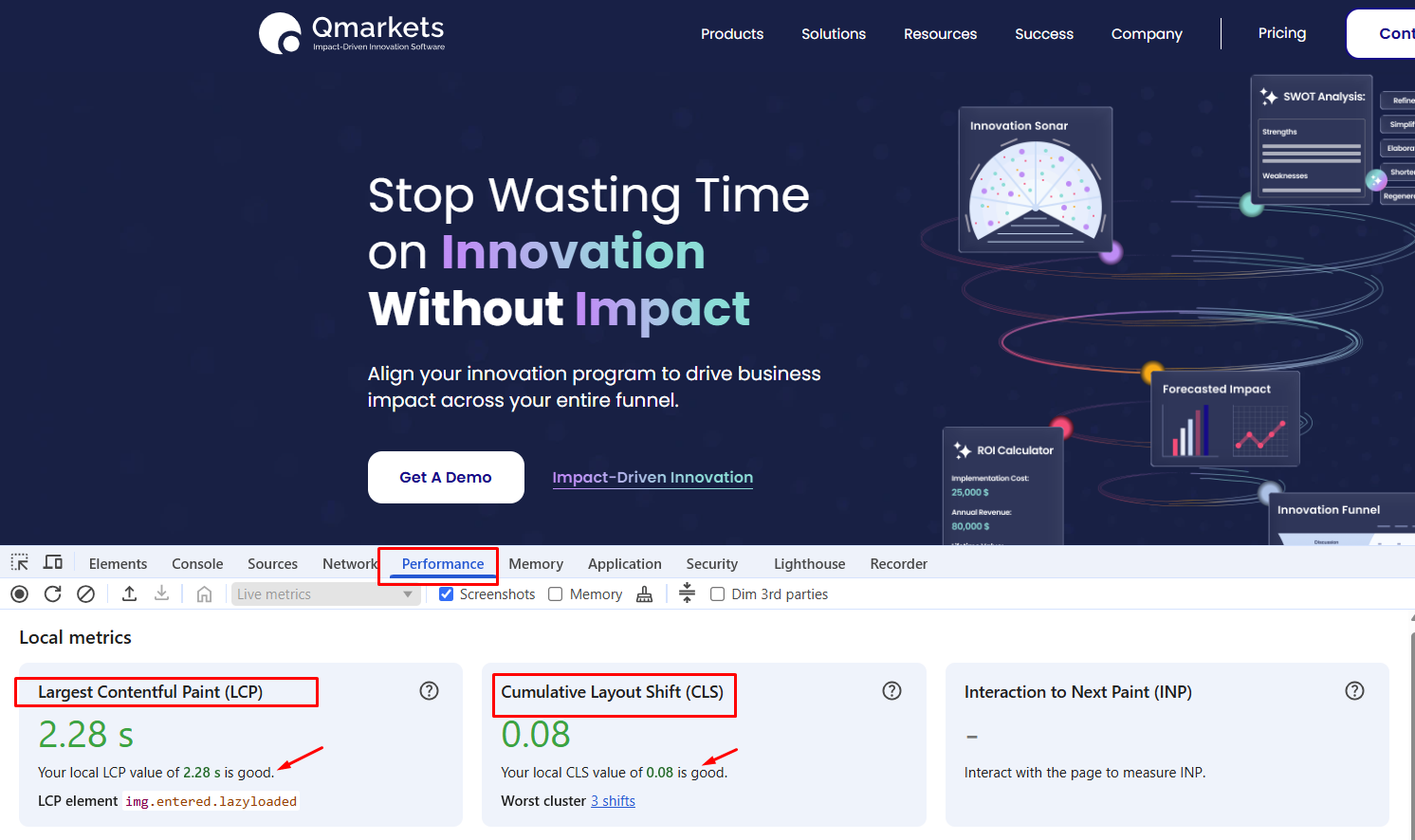
- Performance – Analyze page load behavior and rendering delays.
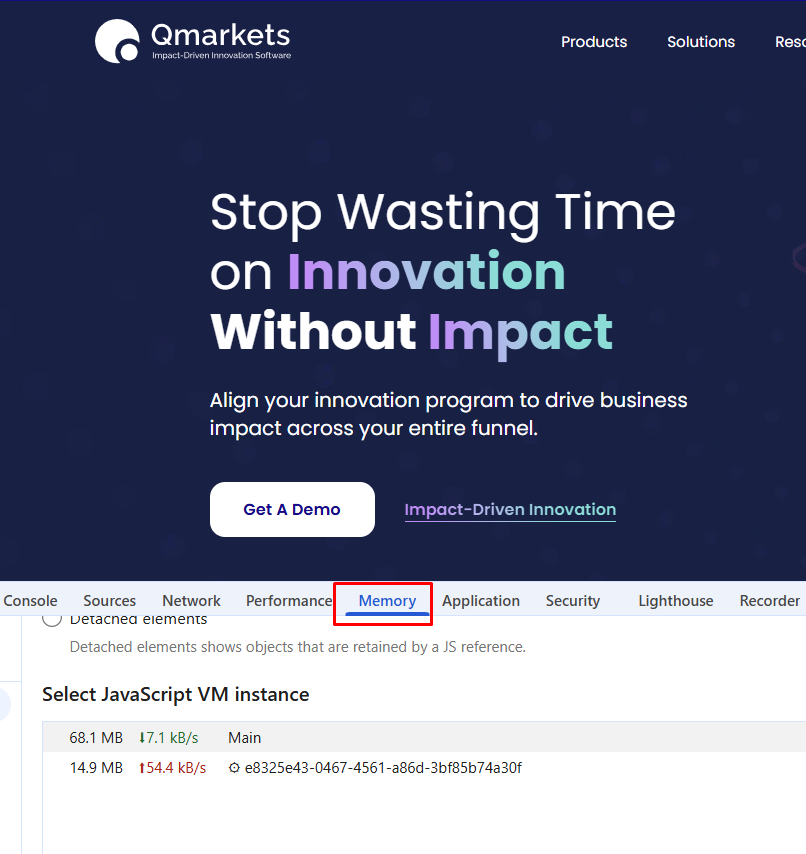
- Memory – Check for high memory usage or potential leaks.
Sharing this information within your support ticket is highly encouraged—it helps our team investigate more efficiently and resolve issues as quickly as possible. Providing these details upfront allows us to better assist you without unnecessary delays.
This information can also help determine whether the issue is related to local factors, such as internet connectivity, device resource usage, or browser behavior, or if it may indicate a system-side issue that requires our attention.
1. Network Tab - checking the page's load time in the browser.
2. Console - Check for error/warning messages.
3. Perfromance -
LCP - How long it takes for the main content to load. In below example - page loads its main visible element quickly
enough.
CLS - Visual stability (do elements jump around?)
4. Memory -
In addition, when submitting a Performance related ticket for Qmarkerts support, please include the following information:
- Affected page(s) or area:
(Not applicable for Reports, as slower performance may be expected due to large data volumes) - Approximate loading time:
Please indicate how long the page took to load. - Affected user(s):
Include specific usernames or user IDs, thjat encountered this issue. - Date and time of occurrence:
Specify when the issue was experienced. - Browser details:
Indicate the browser used, and whether the issue persists across different browsers. - Additional information:
Screenshots, etc.
Providing these details when opening a support ticket will significantly assist in faster and more accurate troubleshooting.