
If you receive the below error message when trying to use AI in an idea:

Please check the 'AI Audit Log' page, at <URL>/self-admin/logs/ai-data.
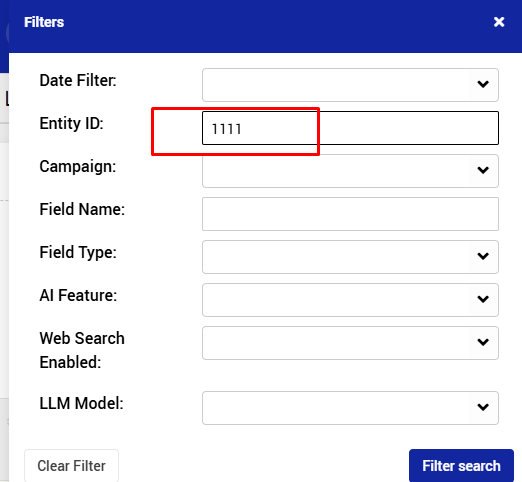
In the Filter -> entity ID, add the idea number:
You would get a table of all related idea's AI activities:
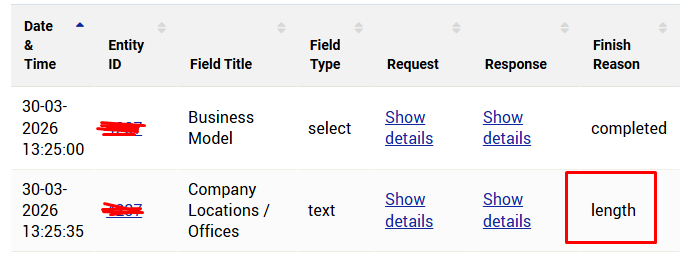
If the finish reason = 'length', it means, that the number of tokens need to be increased.
For that - please contact Qmarkets support at help@qmarkets.net
Once tokens number increased, you would need to:
1. Edit the relevant idea
2. Go to the field that was not completed, and click Retry
AI data in the field should be regenerated.