
This video showcases the Icon Presentation widget.
This widget is useful for sharing content that can be categorized into groups, steps, or segments. The icons can be clickable and connected to pages within the system or outside.
The widget supports up to 24 icons and is designed to nicely display any number of icons in a balanced and visually consistent layout.
The widget also offers several options to enhance the presentation:
- Flexible layout – You can select whether or not to include a background image. Any number of icons is displayed evenly and neatly.
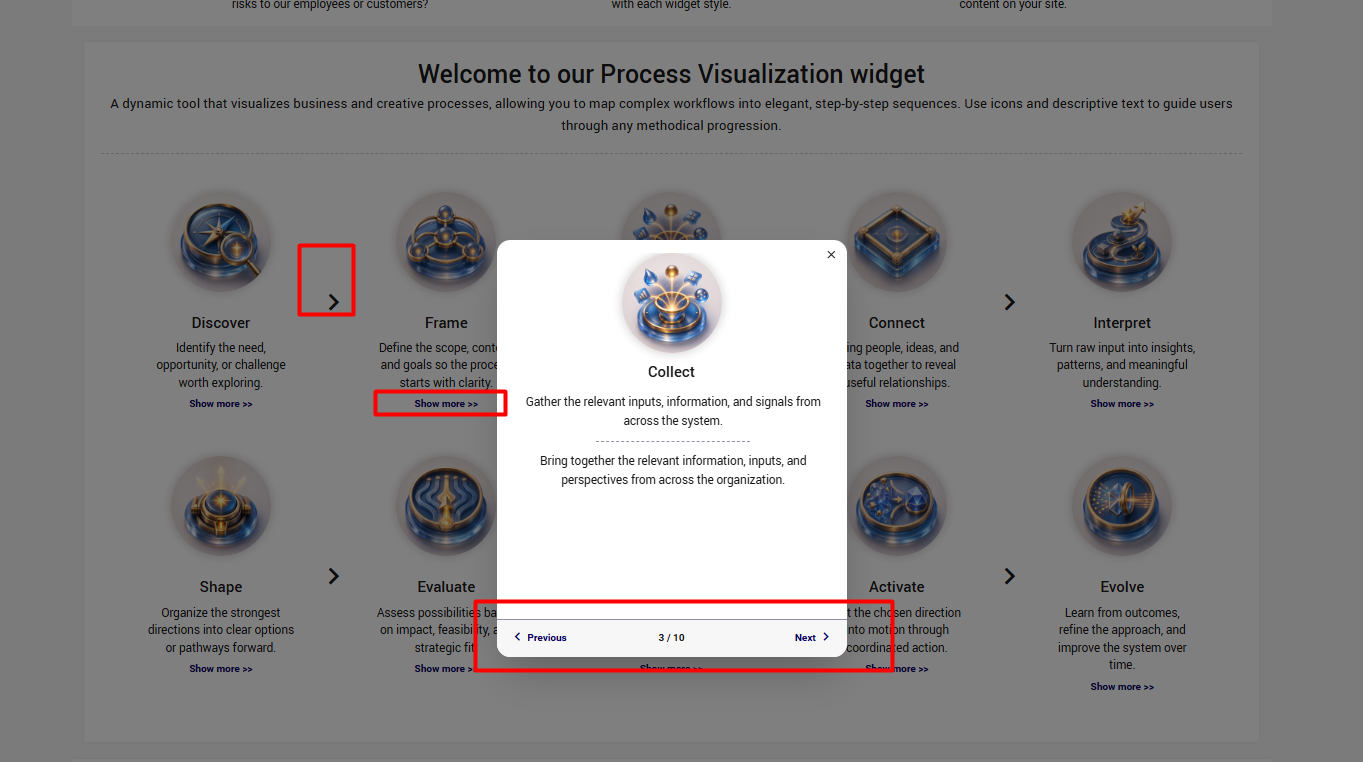
- Icons order and Logical connection – Icons can be displayed in any order as individuals OR add arrows can be added between icons to better represent workflows or processes.
- Additional information – Each icon can have 3 levels of information: a lable, a short description and a long description.
The long description will be displayed by clicking "Show more >>".
If you would like to share more content per icon, and don't need more than 4, check the interactive icons presentation.
You can see an example to how it can look here.

To access additional resources to support your innovation catalysts, please visit our Innovation Catalyst Kit.