
Steps are:
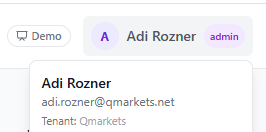
1. Login to https://horizon.qmarkets.cloud/ as Qmarkets Admin user (if needed - ask Shuki to create such a user for you).
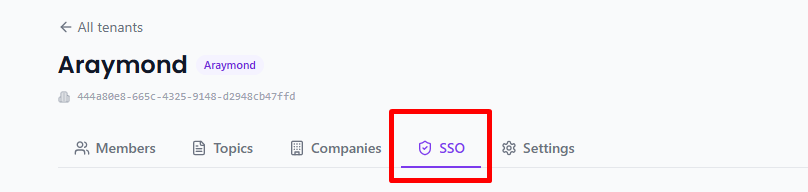
2. Choose the relevant Tenant (= Customer) -> SSO tab.
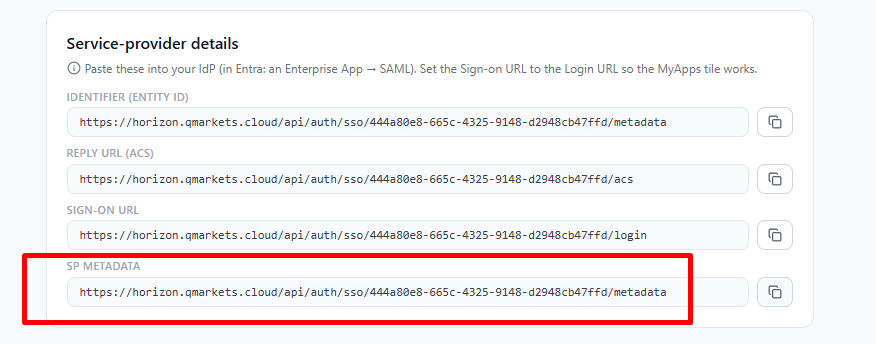
3. Send the customer the SP metadata link (they can also save it as .xml file) and ask for theirs:
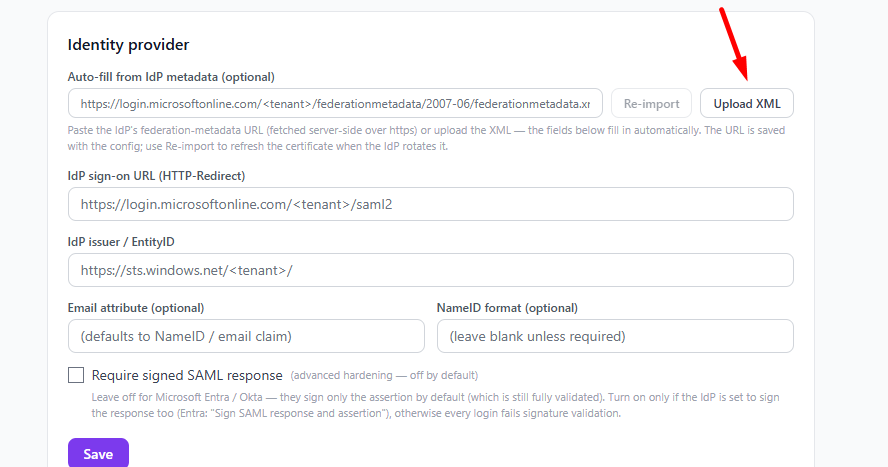
4. Once the customer sends their metadata (URL/File) - uplaod it to the Identity provider (or copy the URL to the 1st line):
5. Once Saved, make sure to add the customer's email domain/s:

6. Make sure there are members in the Tenant:
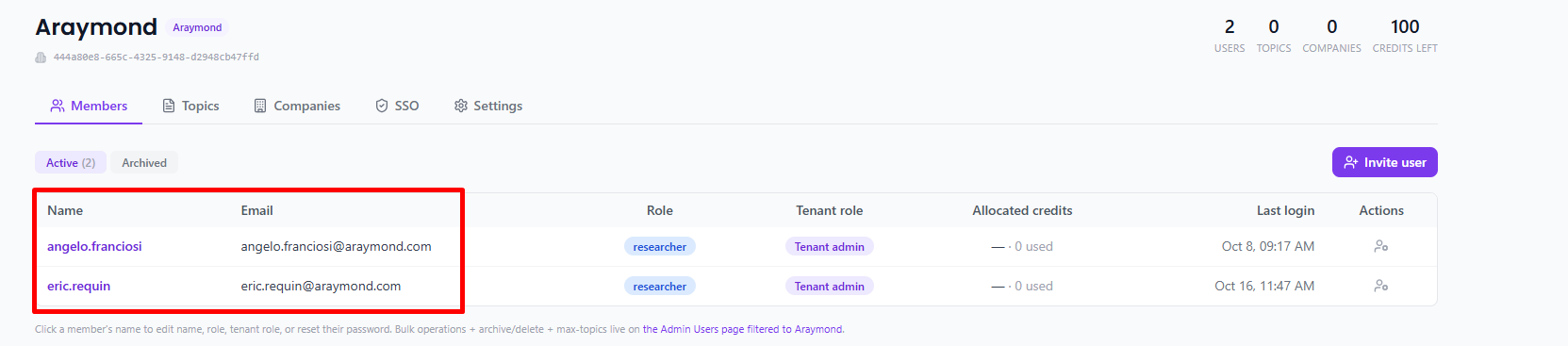
* Customer should create a Horizon SAML application on their end and assign the relevant users to it.