
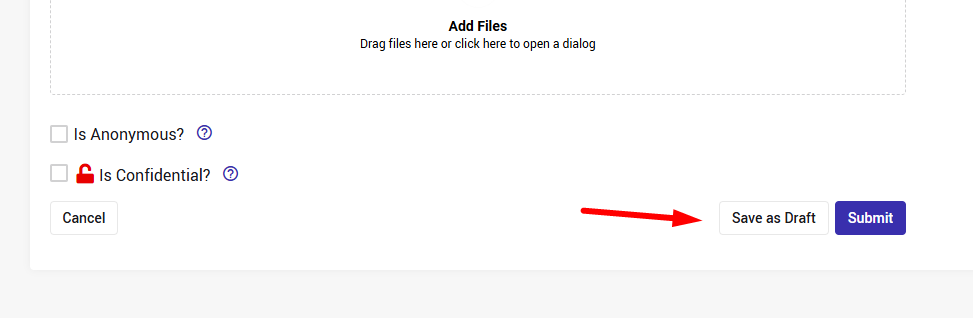
During submission the idea/submission can be saved to draft at any point by selecting the Save as Draft button at the bottom of the page:
But since in some cases, the manual save is not enough, there is also an automatic save:
The submission details are automatically saved every few seconds, helping protect the inserted data from network interruptions, unexpected session timeouts, or even just from forgetting to save.
There will be an indication on the draft submission that was auto saved.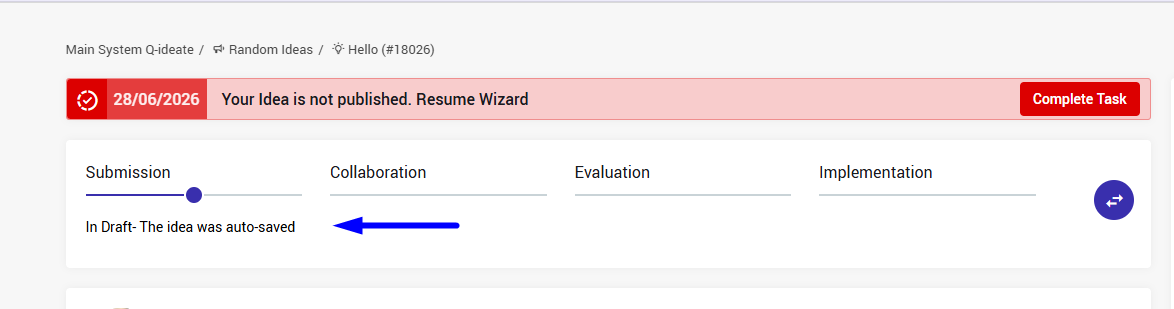
Auto-saved drafts are securely stored just like a regular draft, giving time to return and continue where you left off, and the author(s) will be assigned with a task to complete their submission.
But unlike a manual draft that is saved until deleted, auto-saved drafts will be kept only for 2 days.
The author(s) will get a notification 1 day before.
In case you would like to keep the submission in draft for more than 2 days, please contact your CSM.