
Managing the profile fields is accessible by the system administrator via the main setting page: self-admin/users-management/profiles.
Beyond the basic profile information (full name, E-Mail, username and picture), the sysadmin can add multiple additional profile fields from different types.
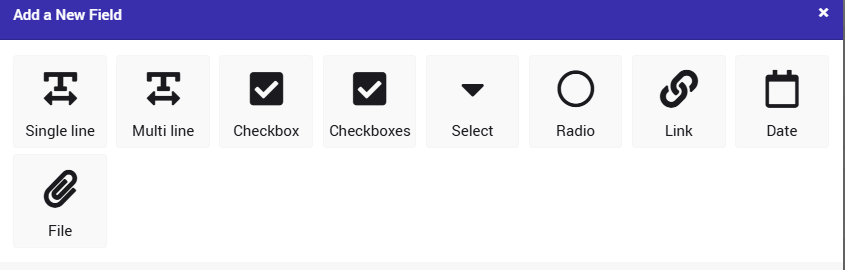 Each profile field can be relevant to all user types, or just to specific ones.
Read this article in order to understand the importance of having profile fields and the motivation for having them.
This video is a comprehensive guide on the setup of user profile fields.
It includes a walkthrough of the creation of profile fields, and all visibility settings that pertain to a user's account.